
1) There may be some cases where you have multiple, or have registered a phone number previously. Please go back to the security info page, where we began this process. Click here or visit https://aka.ms/mysecurityinfo.
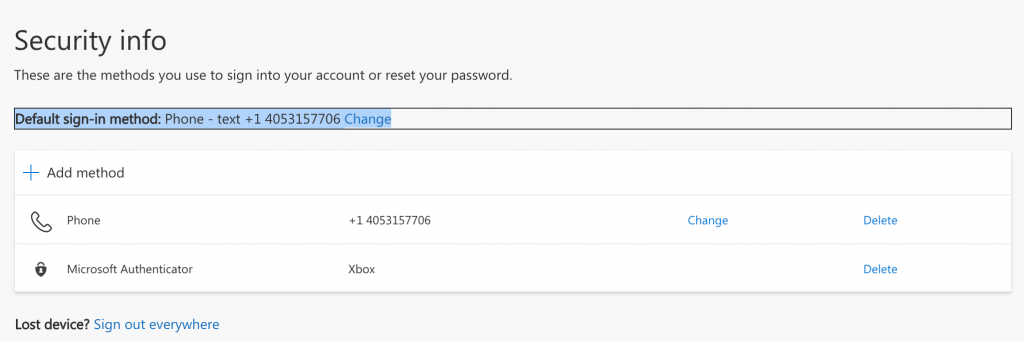
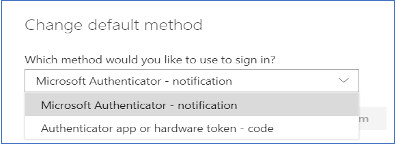
2) On this screen where it says “Default sign-in method:” Change, choose change and select the new authenticator app you just set up.